Sunday, 3 June 2012

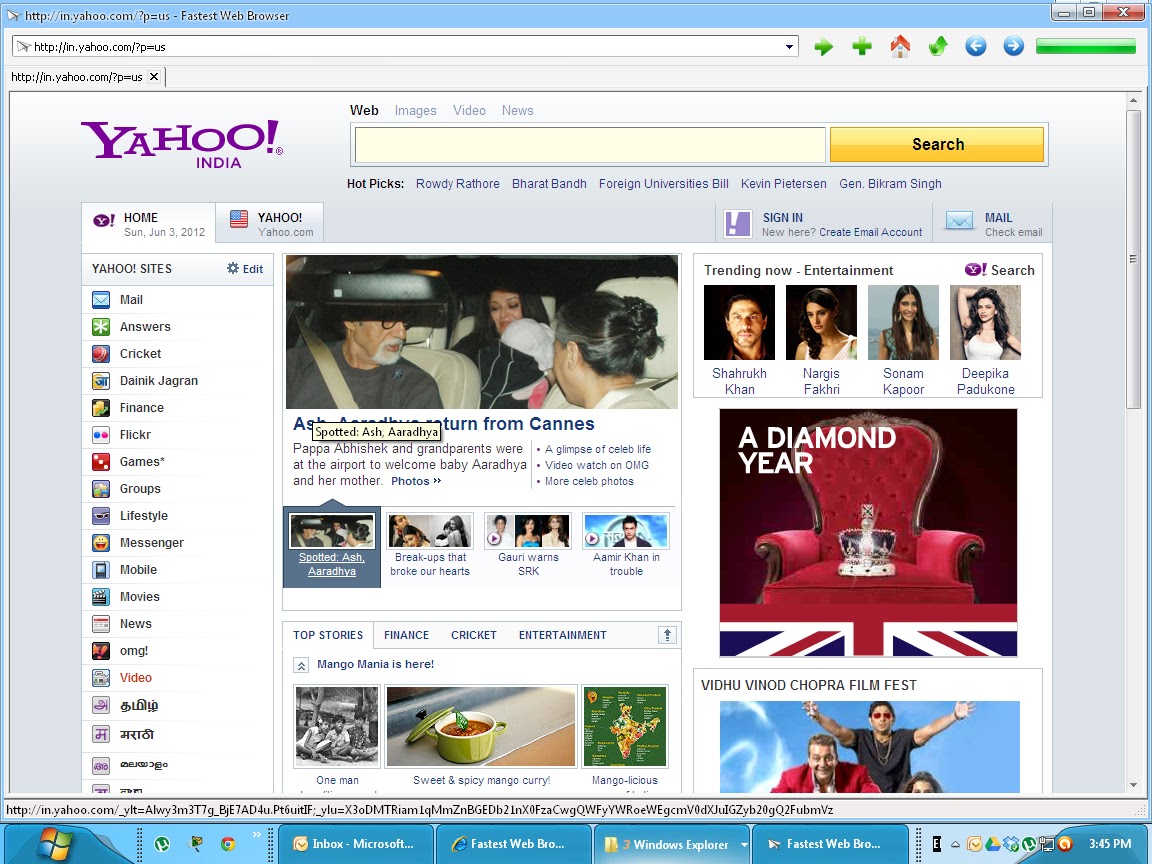
Fastest Tiny Web Browser

             Fastest Web Browser, one tiny and full features web browser for Windows Operating System. It supports all version of Windows. It is a quick and handy web browser, can launch and surf internet content smoothly.


It is a one tab browser but it allow to view multiple web pages in the same browser without the need to open a new browser session. Every tab works like a browser window.

Main Features of this Browser is given below :
  • Fast and launched quickly.
  • No need to install can run from Flash disk.
  • Tabs Browser.
  • Support all Windows OS.
  • It is a Freeware.
  • Safe & Secure.

Download Link:

Check Drives Speed

                 Generally we store our data in Hard drives. These data when become too much and unmanaged way then our drive work slowly and take much time to open, then it's need to upgrade.

                 Crystal Diskmark is a disk benchmark software.It checks sequential Read and Wright speed and test it. With this software we can check not only hard drives but also memory cards and other removable drives. So go to download link, download it, install it and select drives and run this application.


Download Link:

Saturday, 2 June 2012

Remove Useless Shortcut in Windows Context Menu

     When we install applications in Windows, it's Context menu or Start menu becomes too long and annoying us. Some shortcuts are very important but not all. These unused shortcut like to remove but their is no option to remove or delete it in context menu. To remove these shortcuts we need some changes in our Registry files. In Windows Operating System, information of all application and components are saved in these registry files. So its very important to make a backup before changing the registry files.


  • First go to Start then Run and type "regedit" then enter


  • Then click on HKEY_CLASSES_ROOT\*\shellexe\ContextMenuHandlers .


  • All application folder are present, select the folder then rightclick on it and "Remove".


Google+